Navigating the App Store
Let's start out by taking a look at how to get around the App Store. We'll go over the tab bar, how to browse apps in a specific category, and then how to search for a specific app.
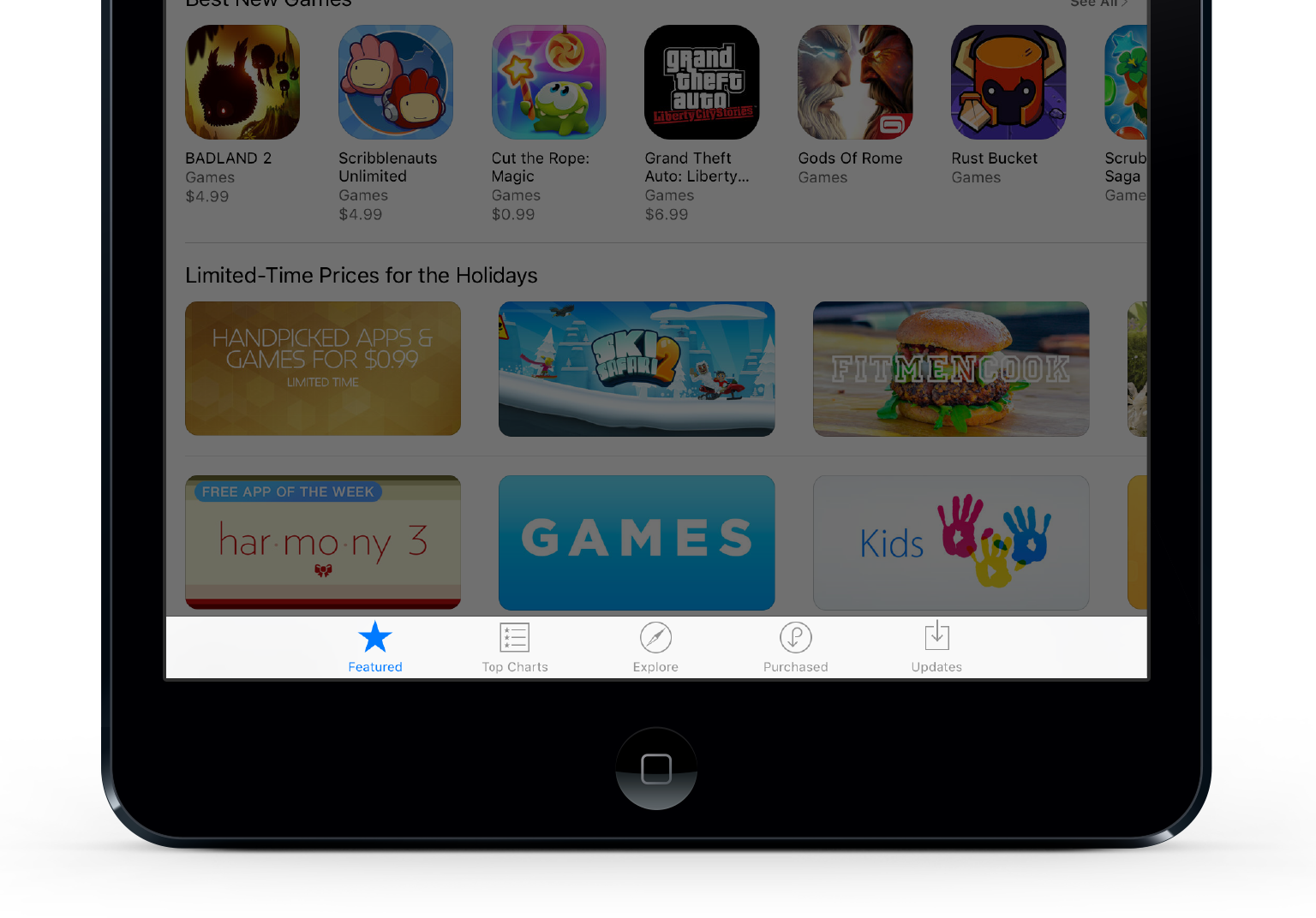




When the app is open, you'll notice a row of icons along the bottom of the screen.
The featured page is like a storefront display, highlighting some of the best new apps.
Top Charts shows the leading apps of the moment. To make the Top Charts list, an app must be one of the most downloaded apps on the App Store, and be well reviewed.
The Explore section is great way to discover new apps when you aren't sure exactly what you're looking for. It shows apps that are popular in your area, and list categories and subcategories that you can tap through to view suggestions.
The Purchased section displays a list of all of the apps that you have purchased or downloaded from the App Store. To view only apps that are not currently installed on your device, tap 'Not on This iPad' at the top of the screen. *On iPhones, Purchased
Updates is used to update the apps that are currently installed on your device. Auto-Update Apps can be turned on in Settings, but if Auto-Update is not turned on, this is where you go to update your apps.
Which of the following is the icon for the App Store?

That's right!
Nope, try again!
It was this one.
Which of the following is the icon for Top Charts?




That's right!
Nope, try again!
It was this one.
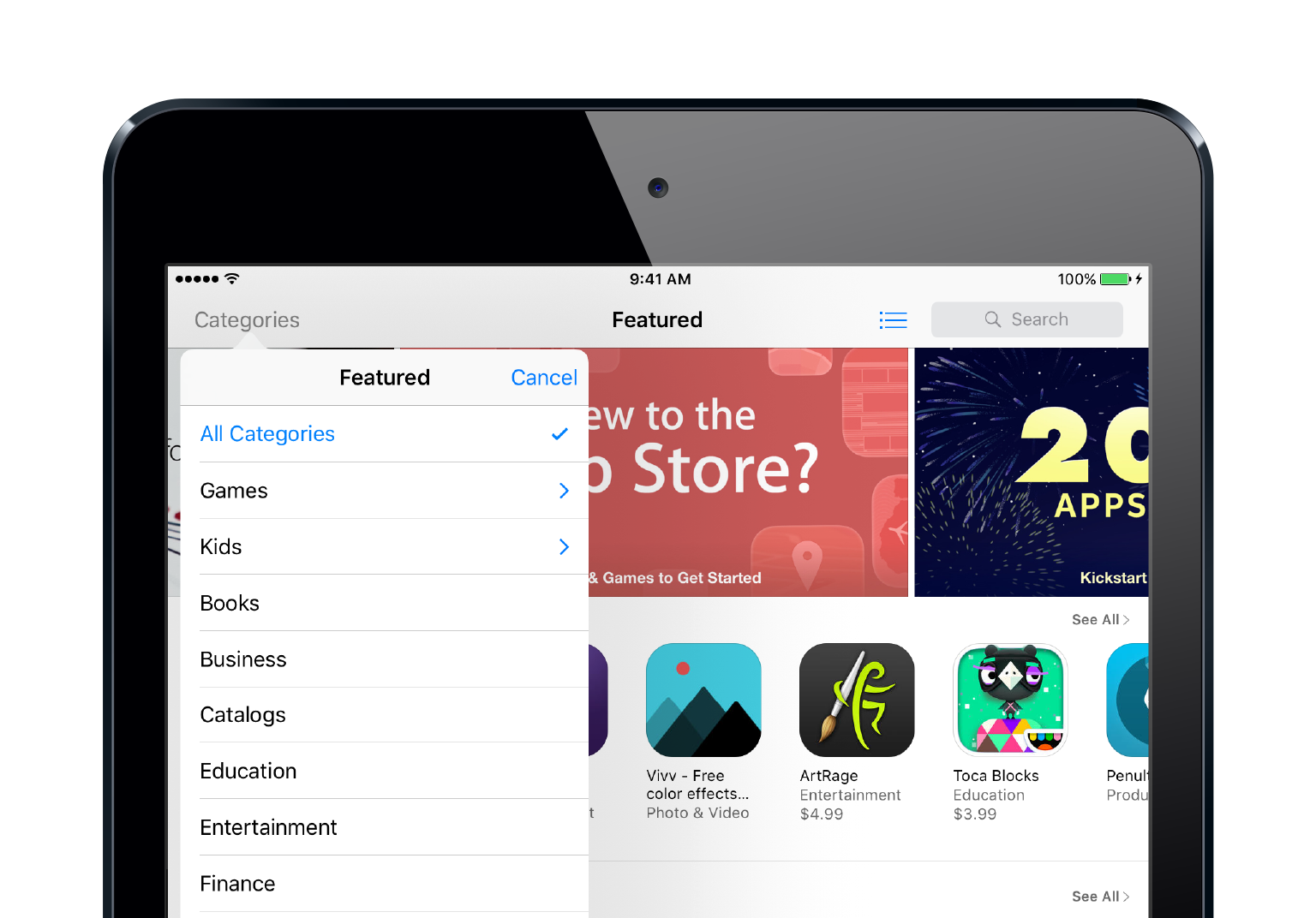
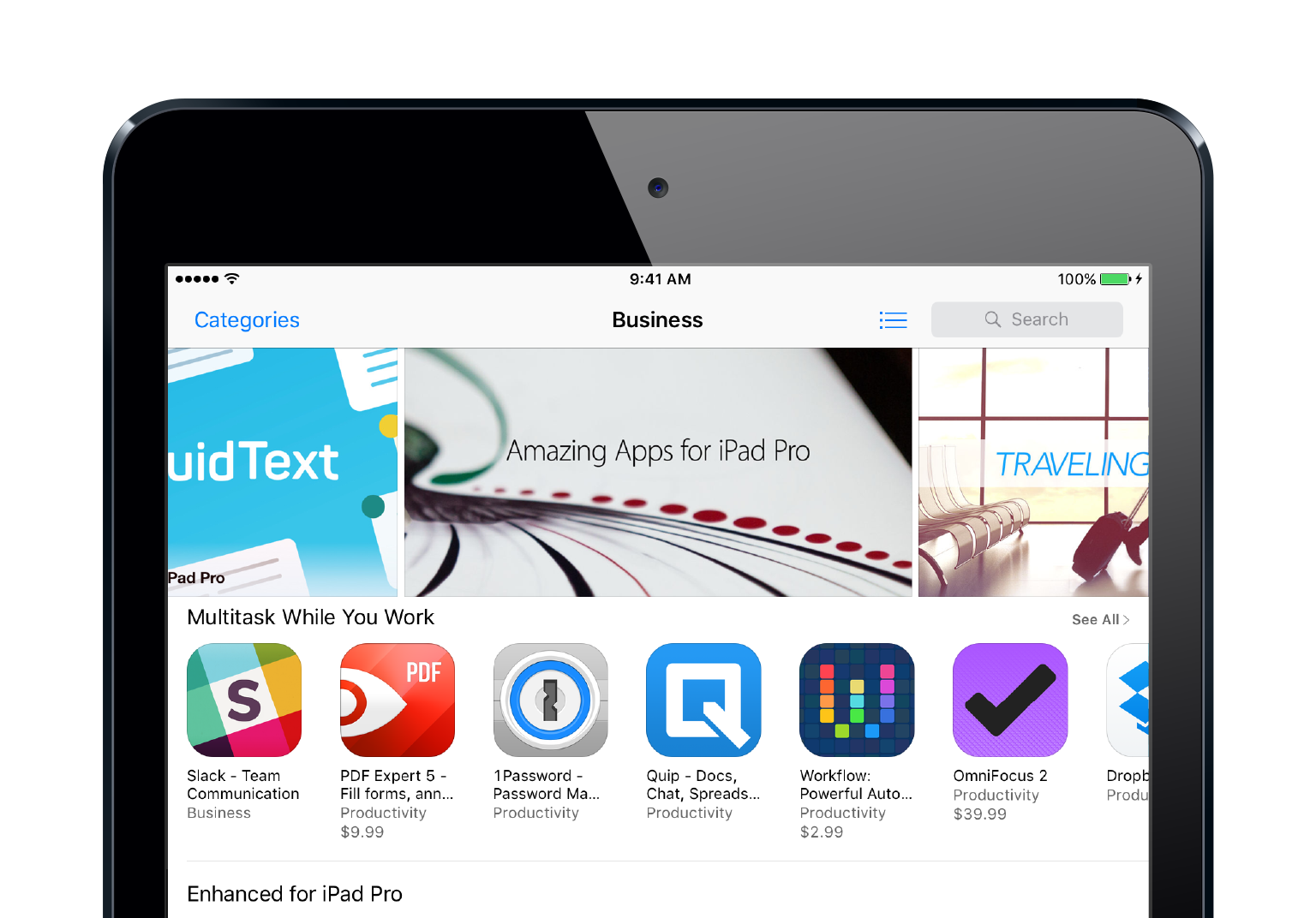
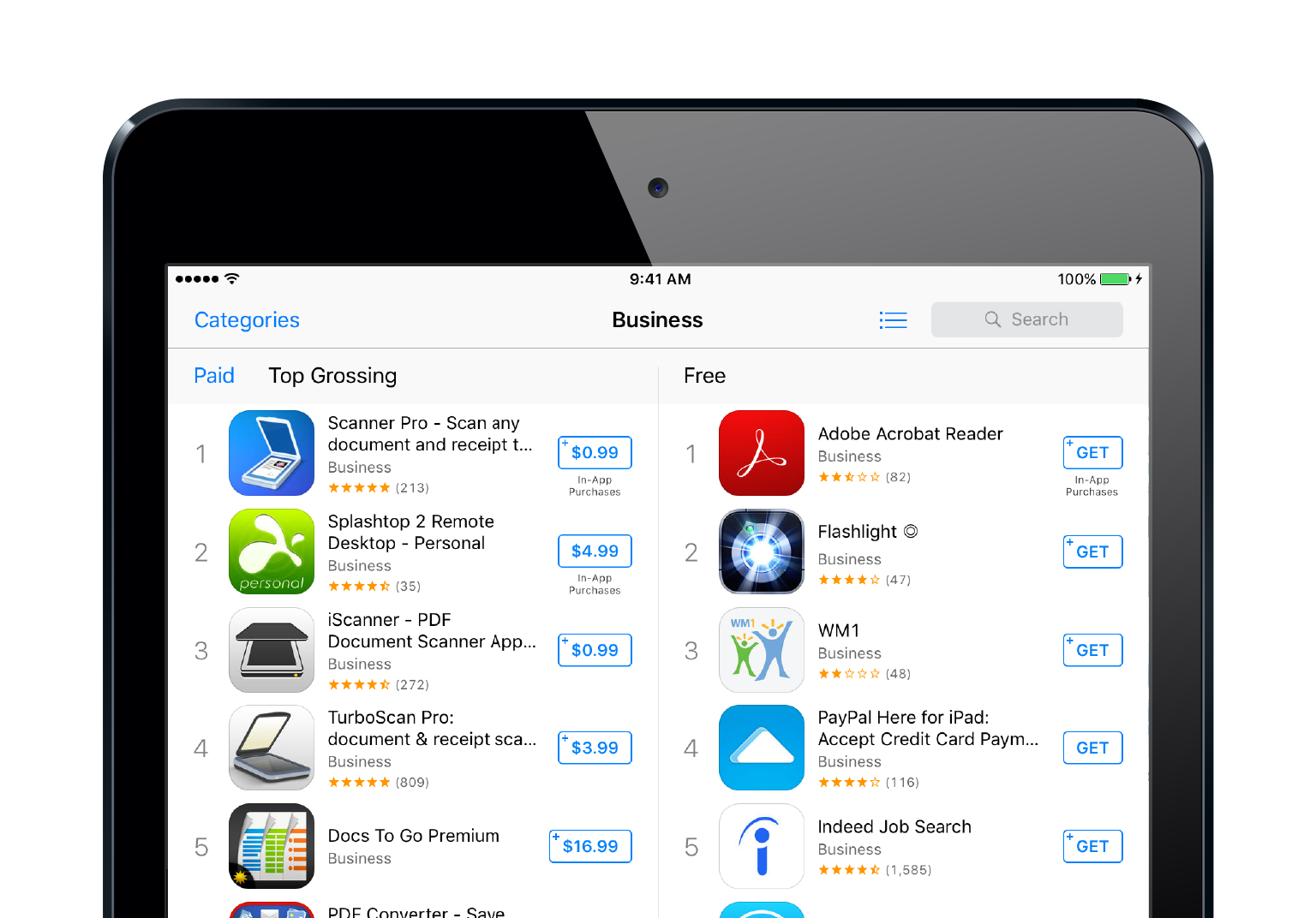
To browse apps within a specific category, you can tap Categories in the upper left corner of the App Store, and then select a category. Categories is only visible in the Featured and Top Charts sections of the App Store.
When you select a category from the Featured section, you'll view the featured apps for that category.
And when you choose a category from the Top Charts section you'll view the top apps in that category. Just like when viewing the Top overall apps, Paid and Free apps will be listed separately.
The categories button is located in the upper .
That's right!
Nope, try again!
The answer is: left

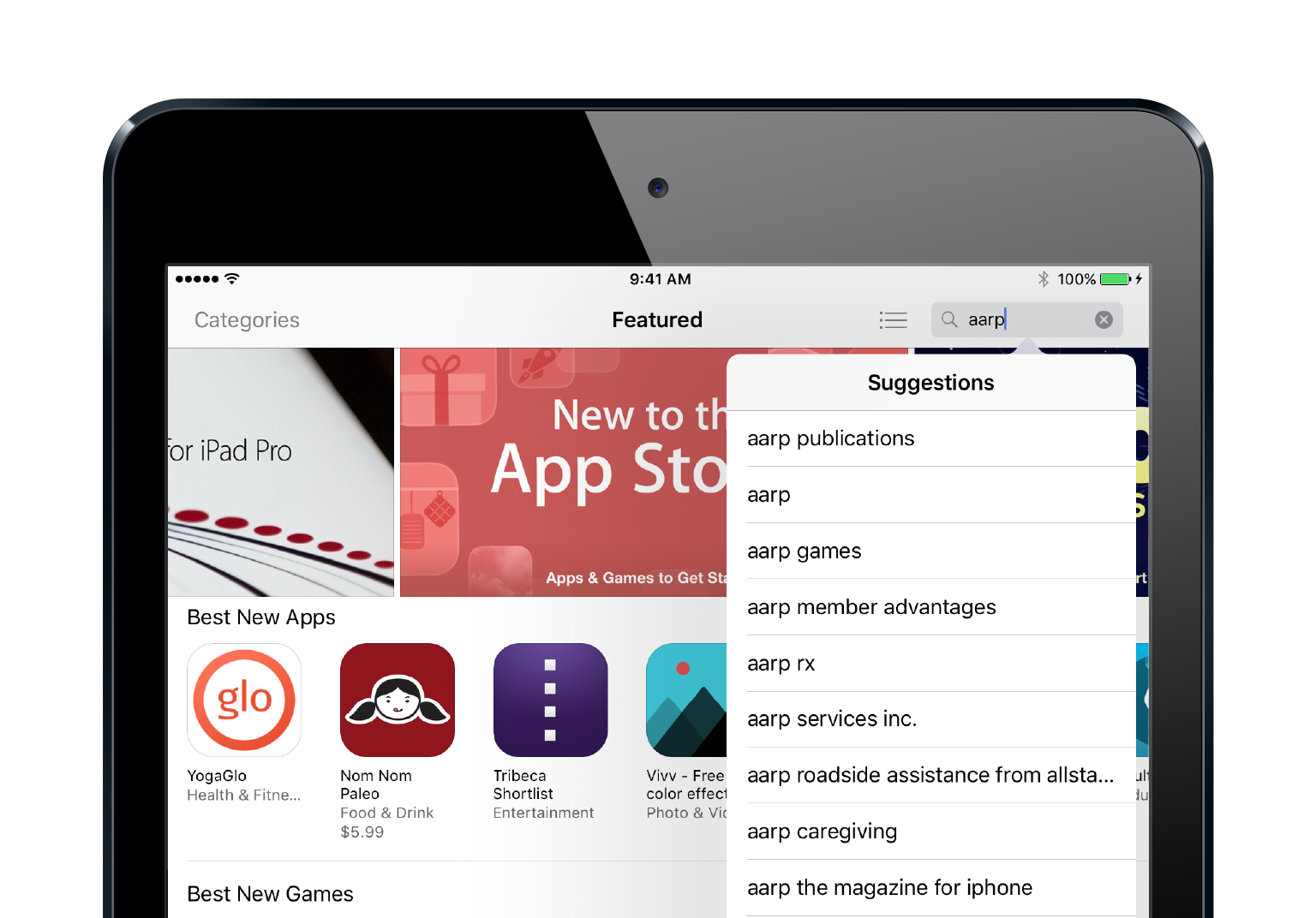
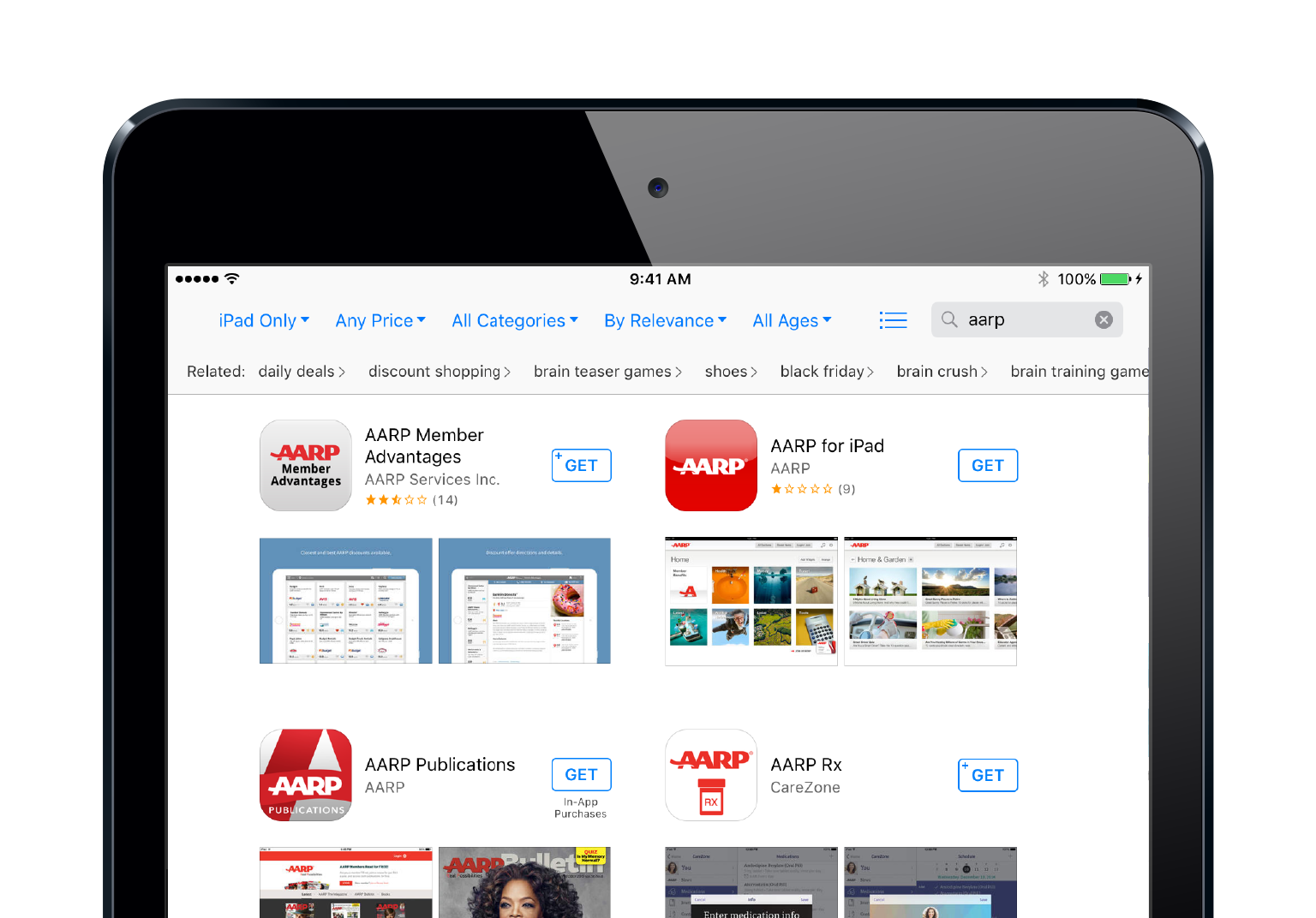
The search bar is located in the upper right corner of the App Store. Tap the bar to begin a search. *on iPhone the Search feature is located in the bar at the bottom of the screen.
As you enter your search term, a list of suggested searches will appear beneath the search bar. You can tap 'Search' on the keyboard to search for the exact phrase you entered, or, tap a suggested search from the list.
At the top of the search results page there are several options for filtering the search results.
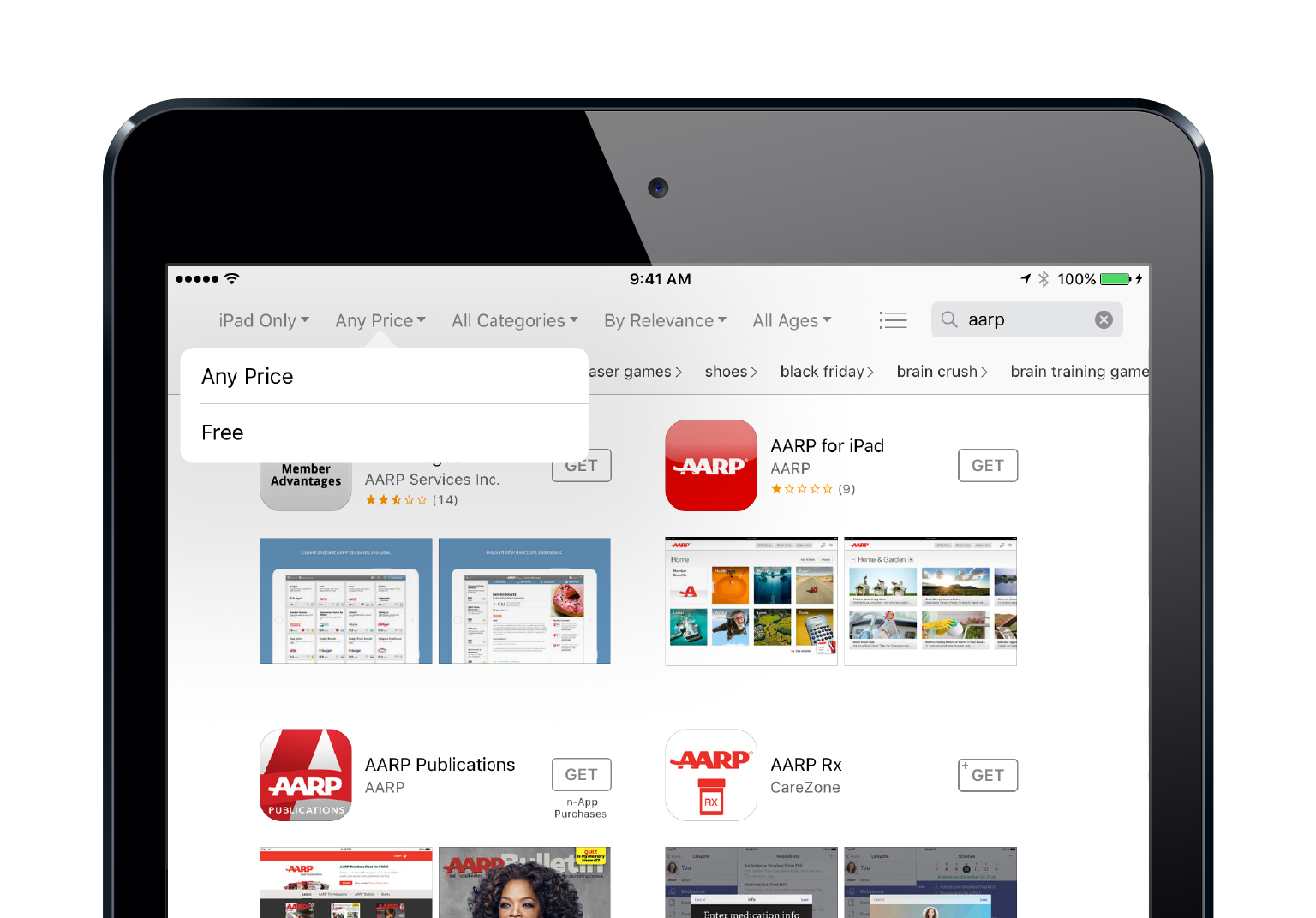
Tapping 'Any Price' and then 'Free' will cause only free apps to appear in the search results.
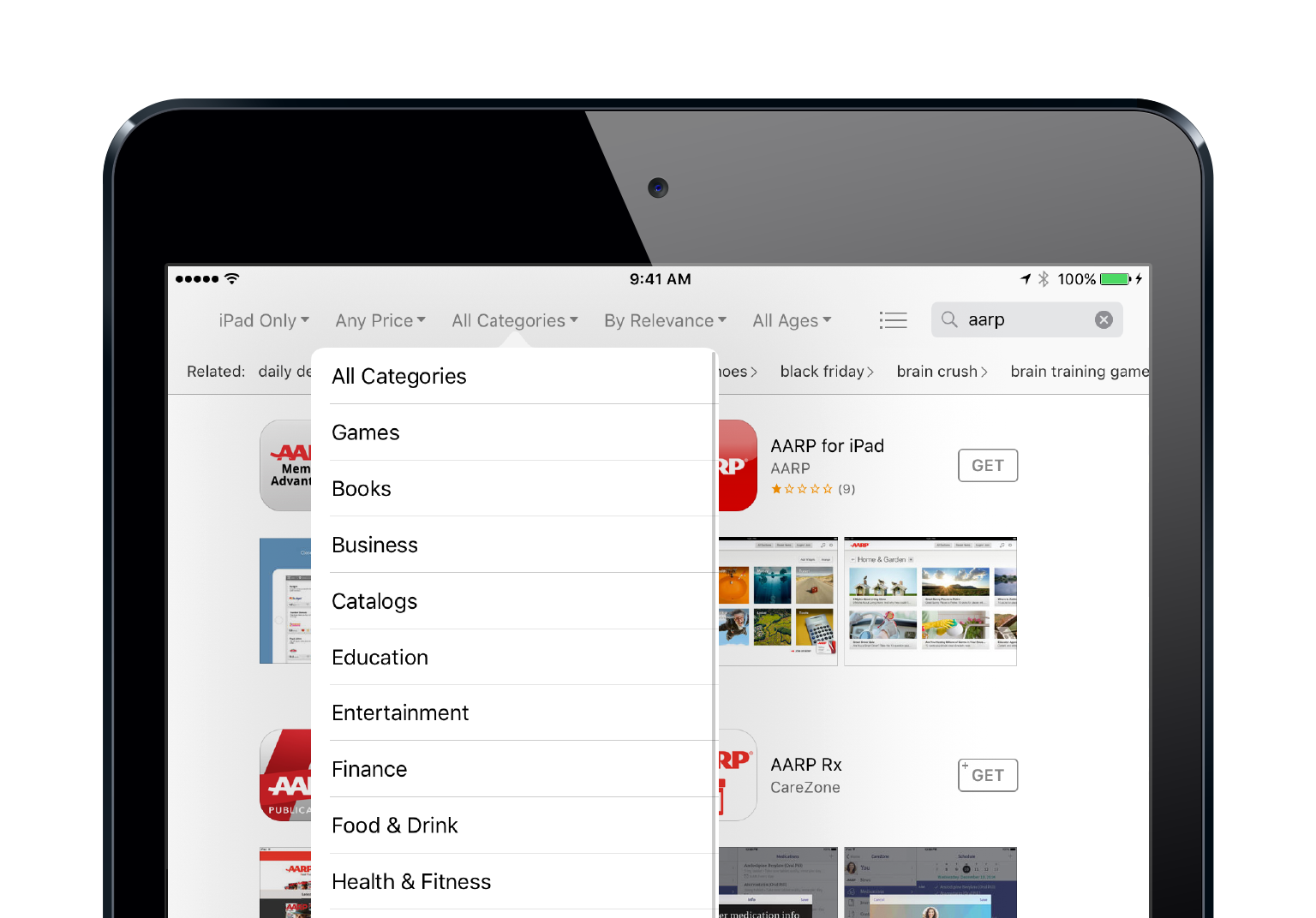
Tapping 'All Categories' and then selecting a category lets you search for an app within a specific category.