Finding and Reading Articles
Now that you've created your Flipboard account and logged in, the next step is to learn how to use the app.
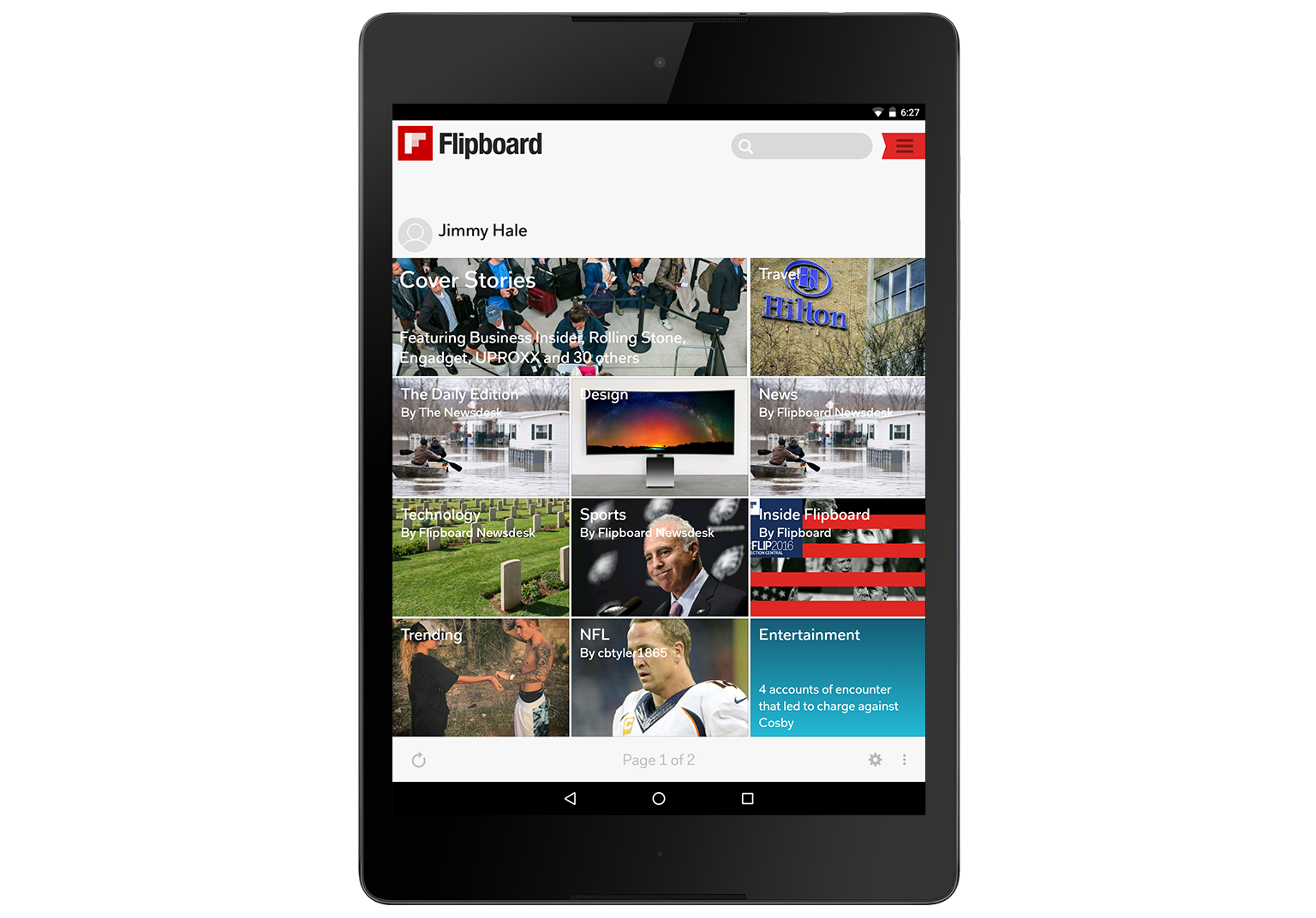
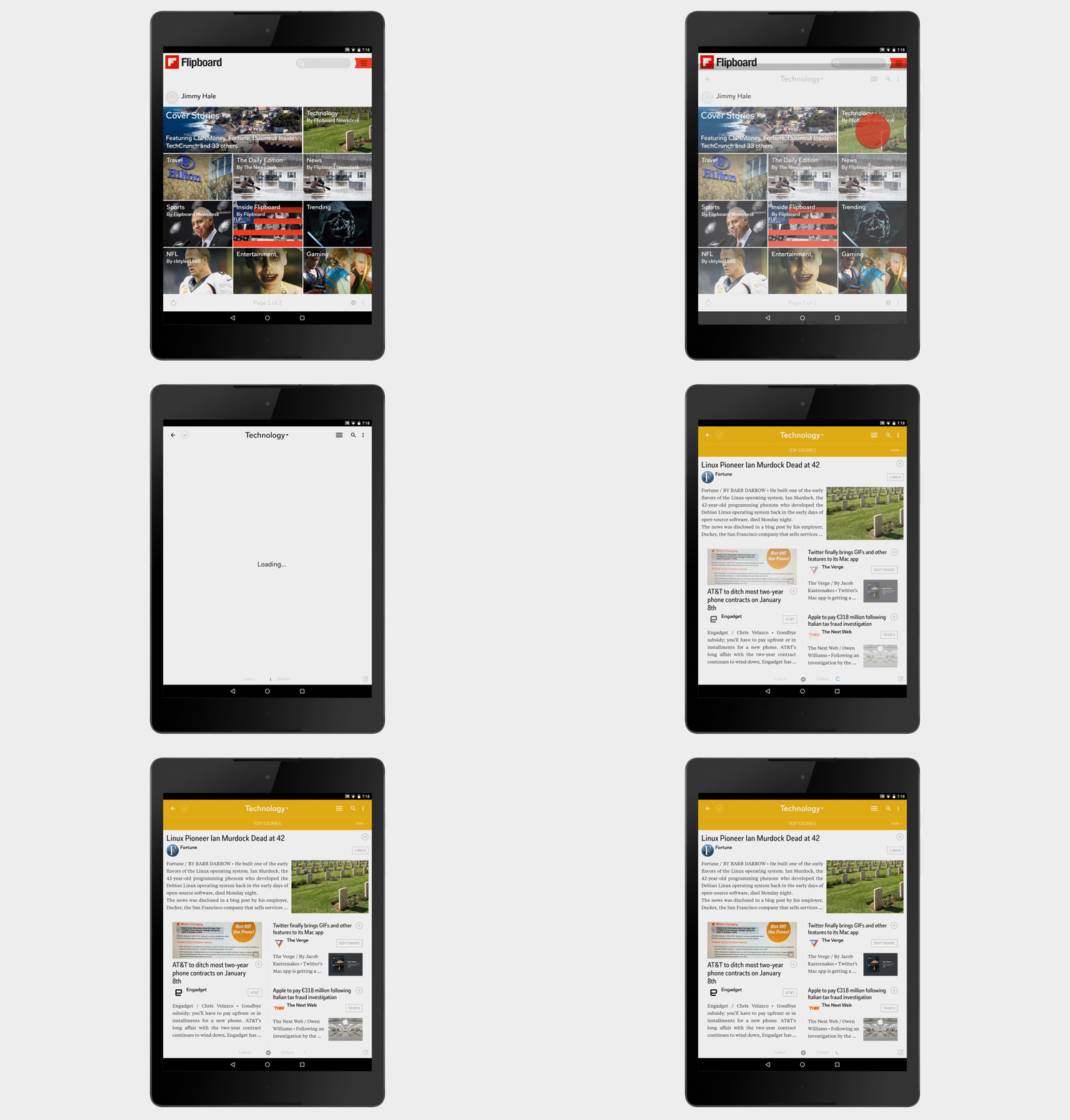

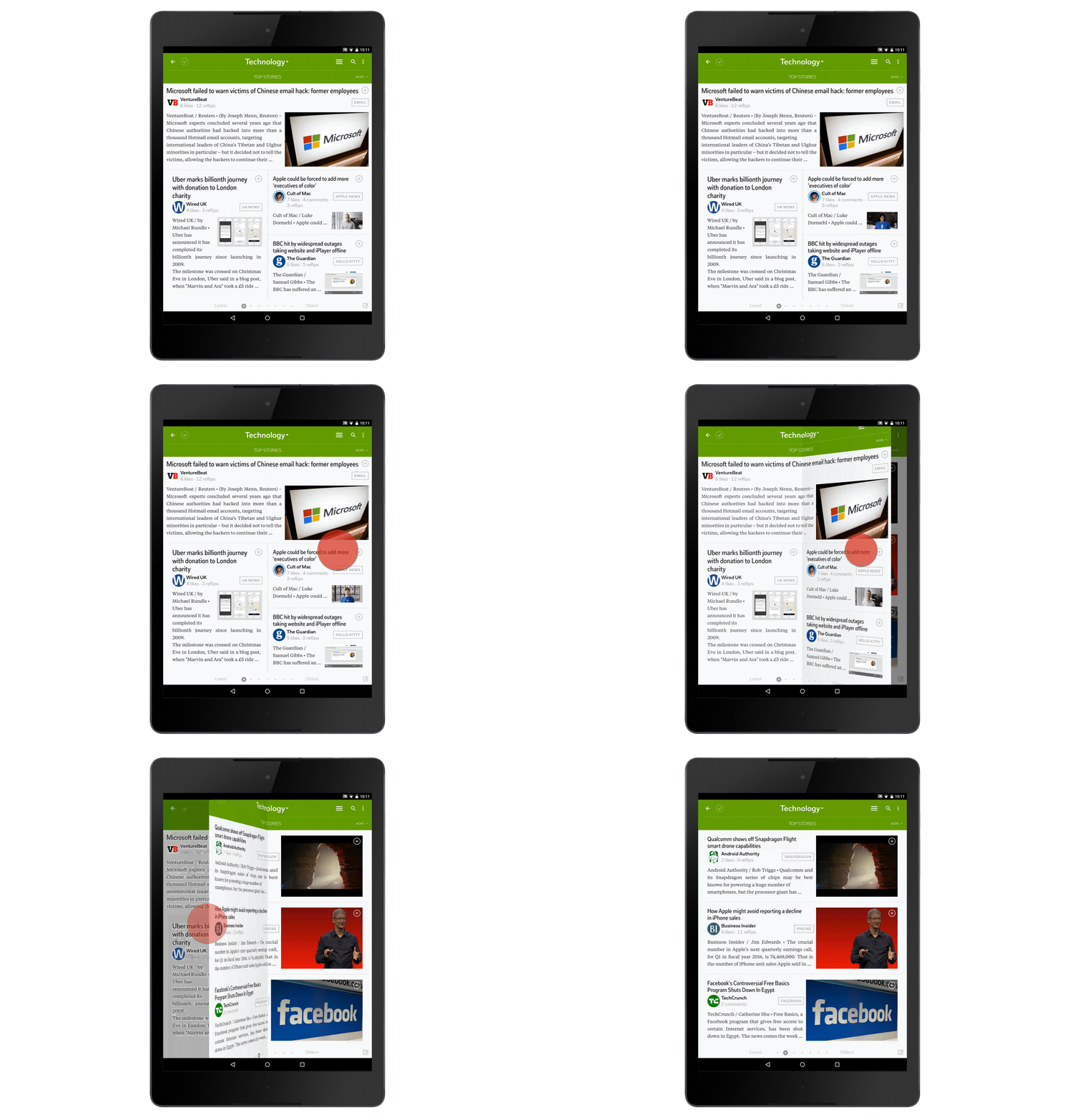
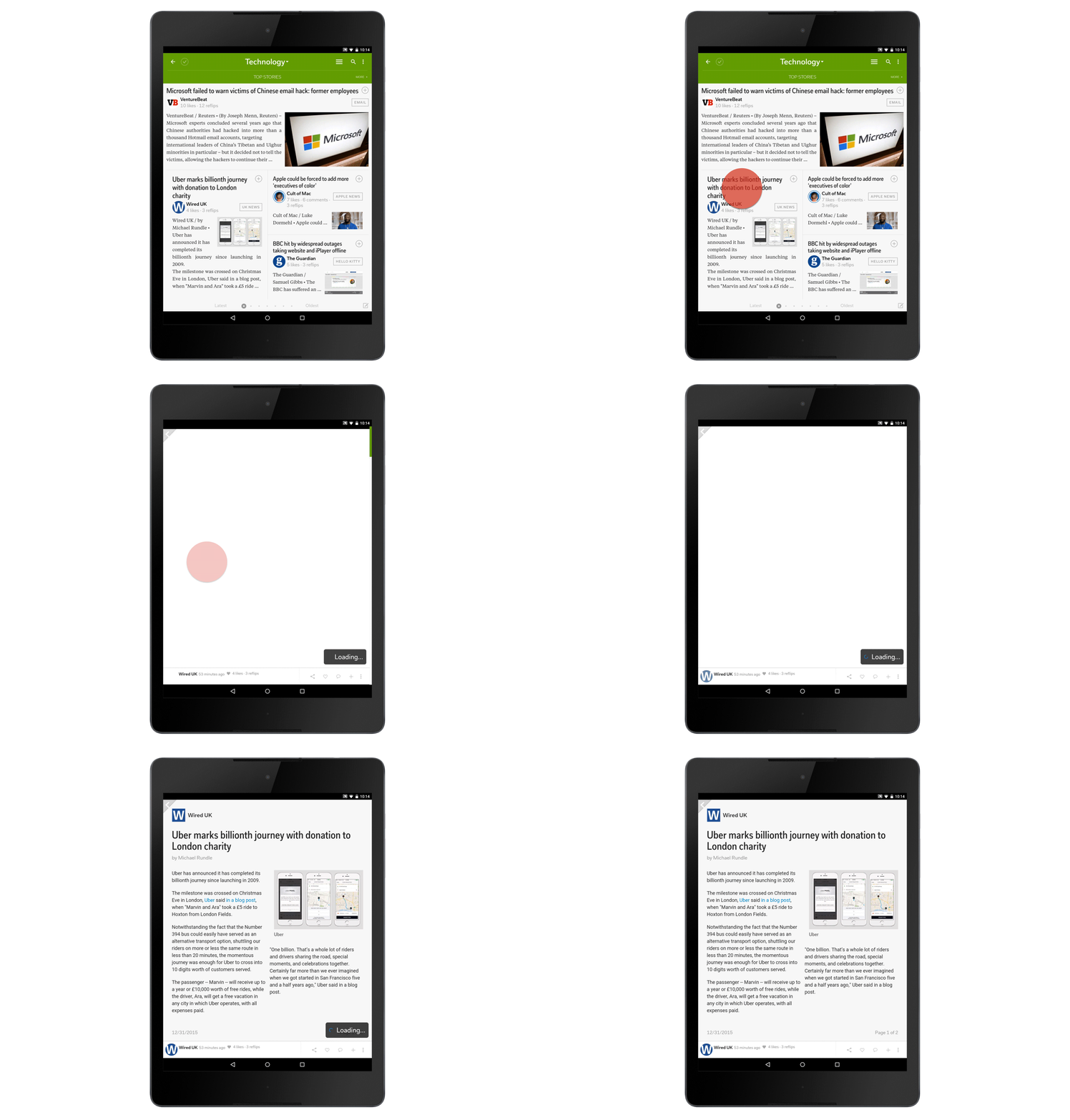
From the Flipboard home page, you'll be able to access news articles related to the topics you selected when you first opened the app.
To begin browsing articles, tap a topic on the Flipboard home page, such as Technology, Sports, or Style, or a news source, such as CNN, Fox, or ESPN.
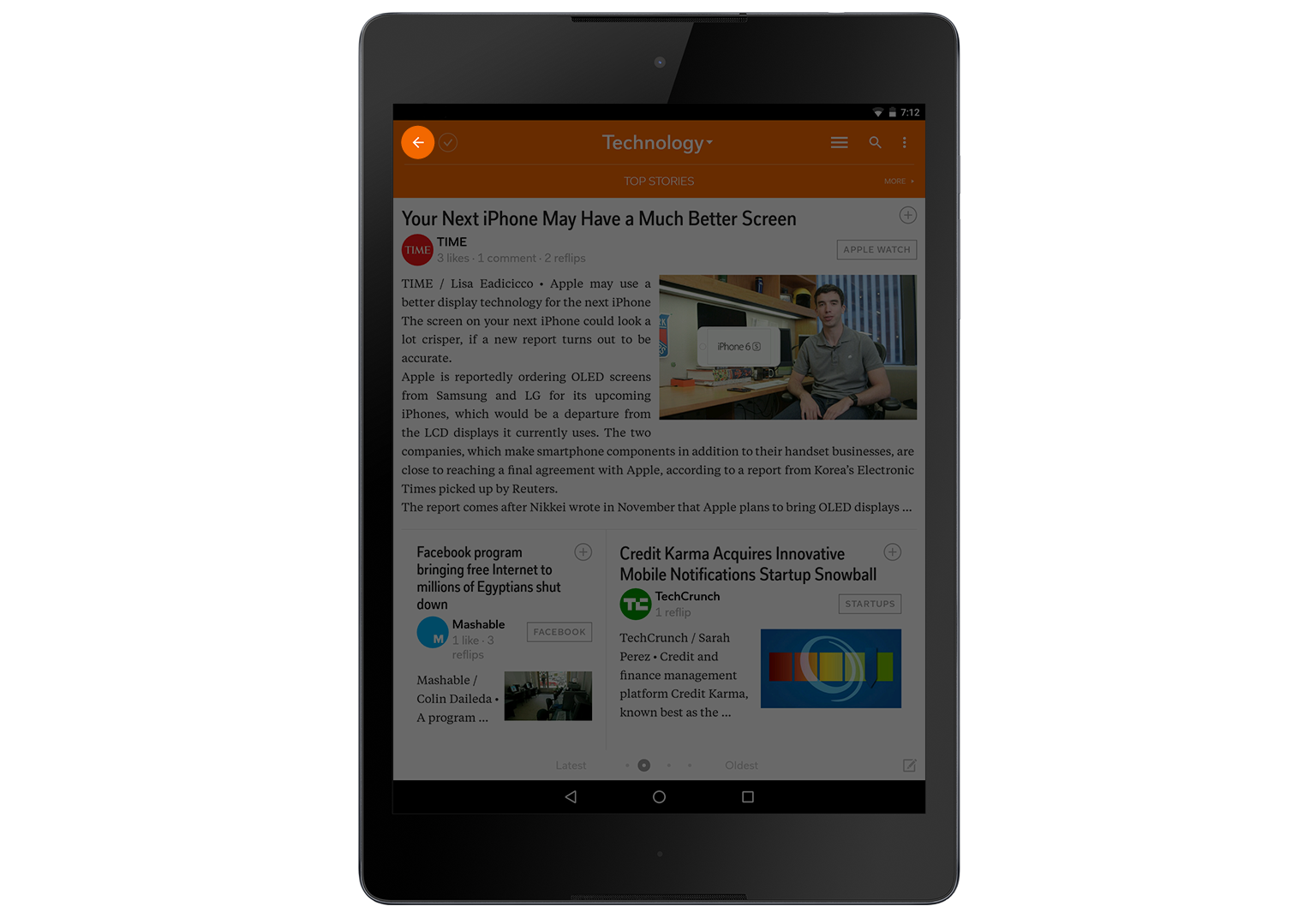
When you tap on a topic, such as 'technology,' Flipboard will display headlines and excerpts from some of the most recently published 'technology' articles.
By swiping right to left you can 'flip' through headlines. Keep in mind, the more you 'flip,' the older the articles will be. No matter how many times you swipe left, you can tap the arrow in the top left at any time to return to the Flipboard home page f
Tap a headline that interests you to access and read the article.
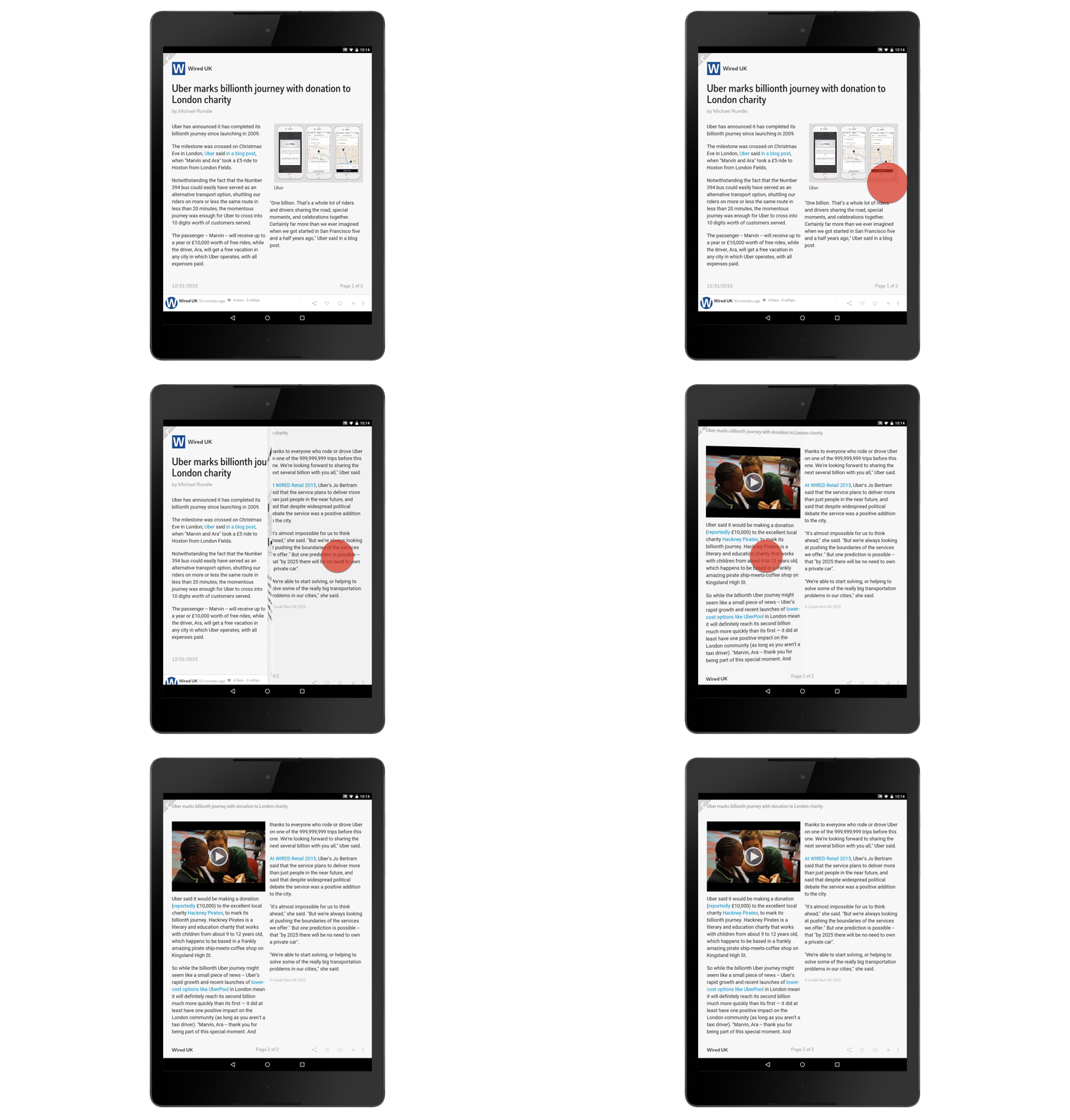
Articles are often broken up into many pages. To continue reading an article, swipe from right to left to 'flip' to the next page. To return to the previous page of the article, swipe from left to right.
Once you're finished reading an article, tap on the arrow in the top left of your screen to exit and browse additional articles.
When you flip through articles you will:
Perfect!
Sorry!
reveal
Which of the following would you tap to exit an article?

A new headline

The heart icon on the bottom right

The arrow in the top left of your screen
That's right!
Nope, try again!
It was this one.
Searching Flipboard
If there is a particular story or subject that you want to read about, you don't have to browse Flipboard until you stumble on a relevant article. You can search Flipboard to find what you're looking for.


From the Flipboard home page you can conduct a search at any time by tapping the grey search bar (with the magnifying glass) at the top of the screen. Using the keyboard, you can search for topics and news sources.
Flipboard will automatically provide a list of items for quick selection as you type out your search.