Creating an Account
To use Flipboard, you'll need a Flipboard account. It's a relatively simple process, and only takes a few minutes to create one. Let's look at how.
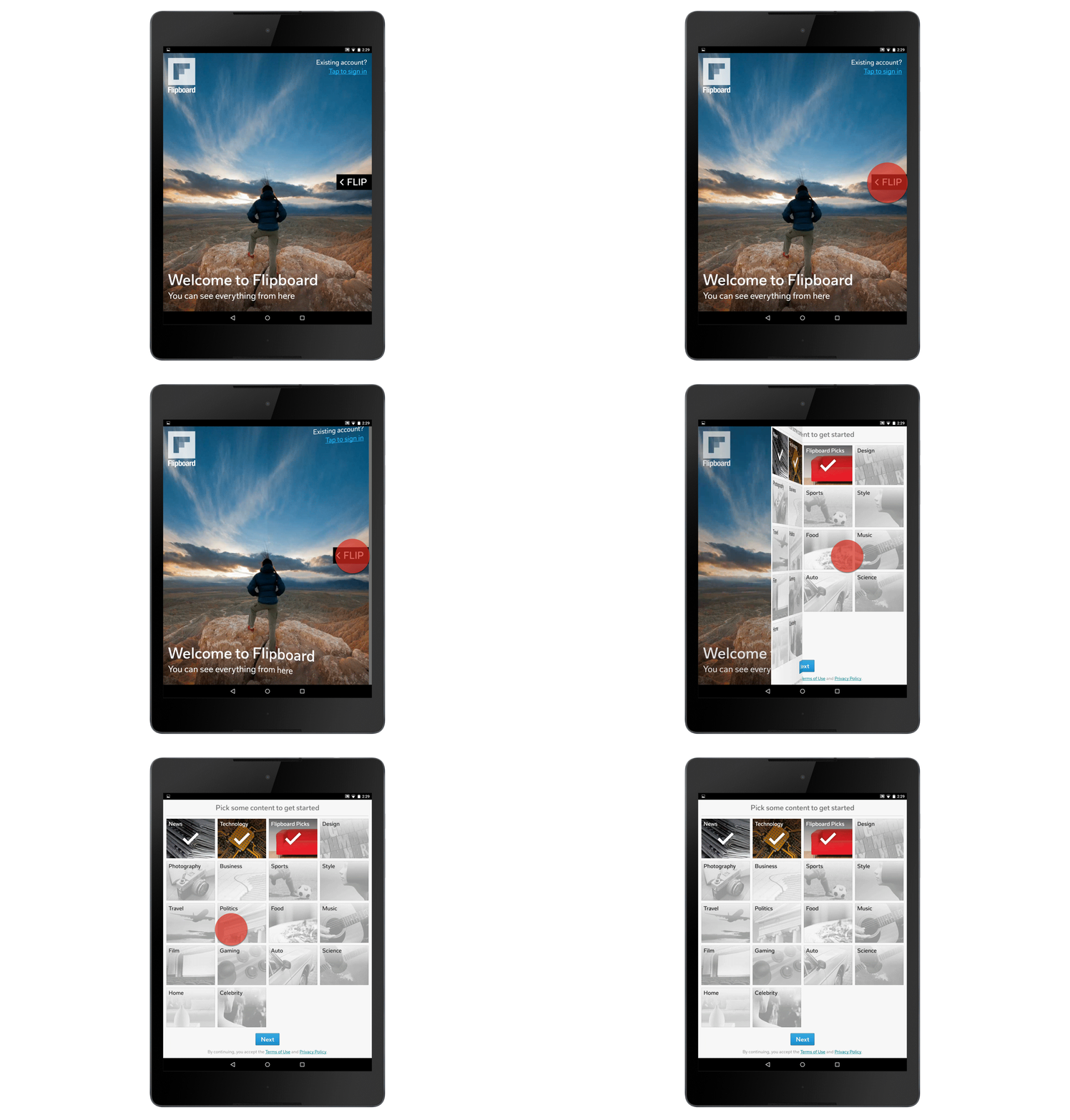
When you first open up the Flipboard app on your device, you'll see a welcome screen. Swipe from right to left to "flip" to the next page of the Flipboard app.
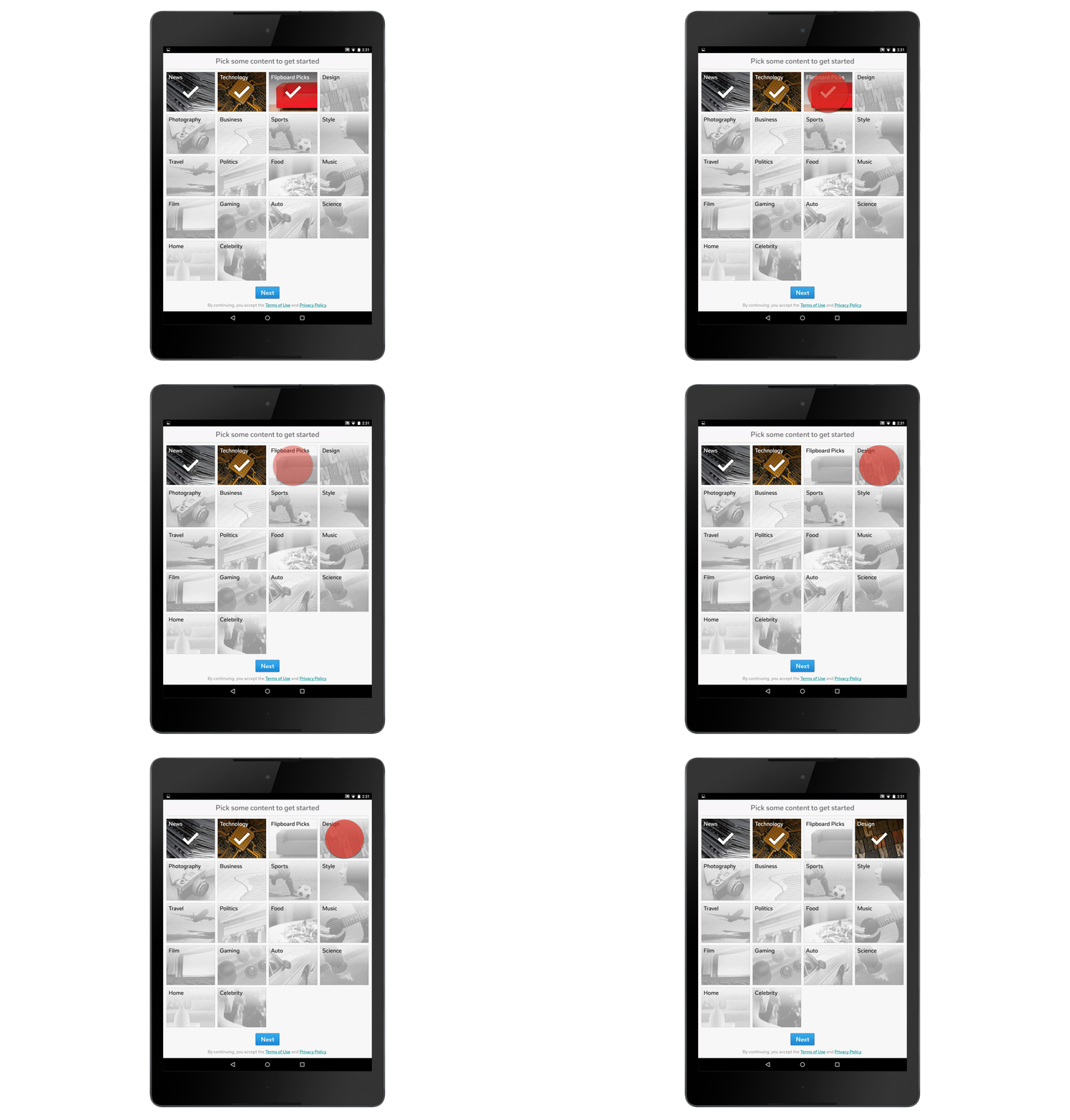
To help you get started, Flipboard will suggest several popular topics. Tap the topics that you are interested in to add them to your Flipboard account.
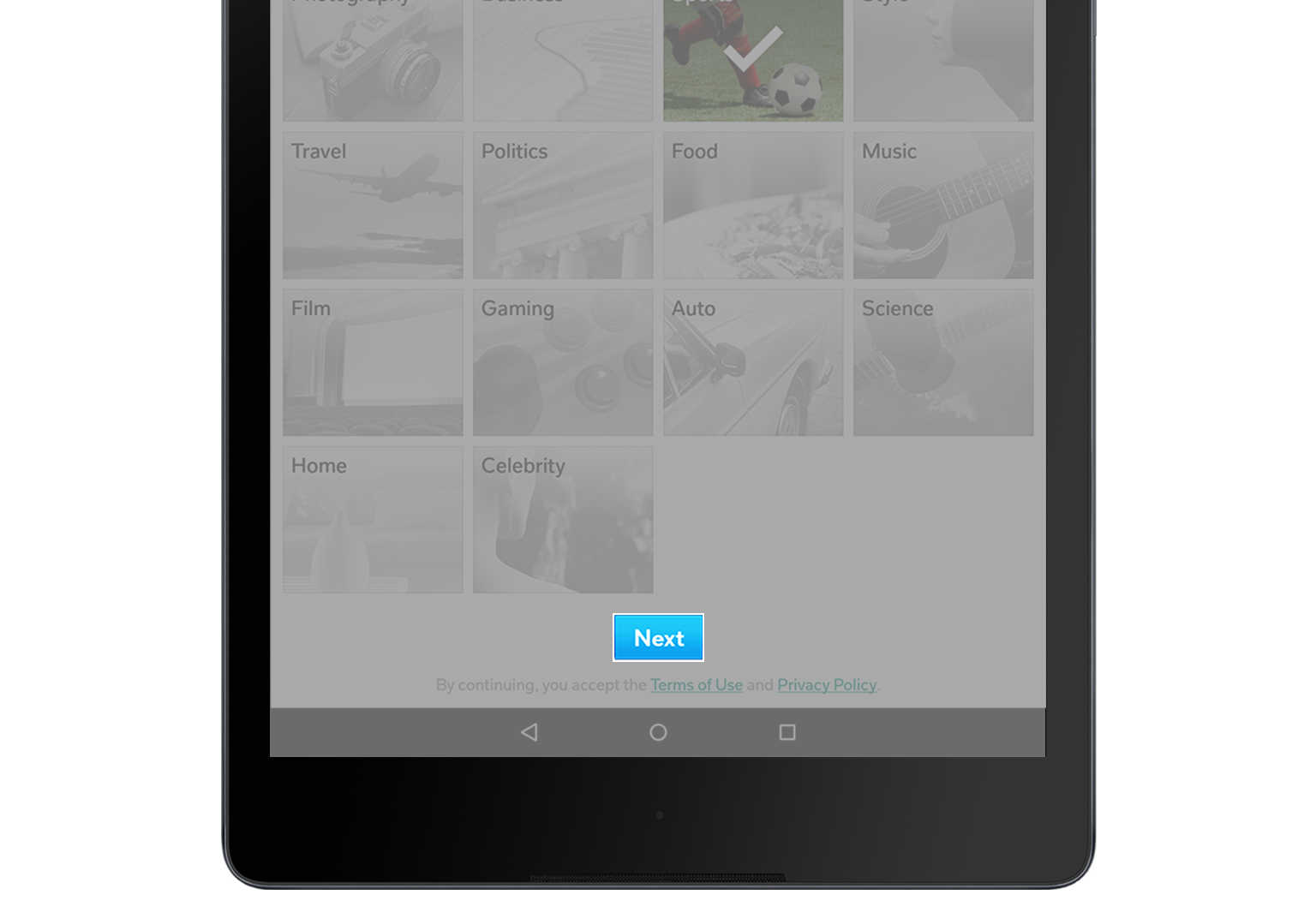
Tap "Next" at the bottom of the screen once you've made your choices. No pressure – you can change these selections at any time.
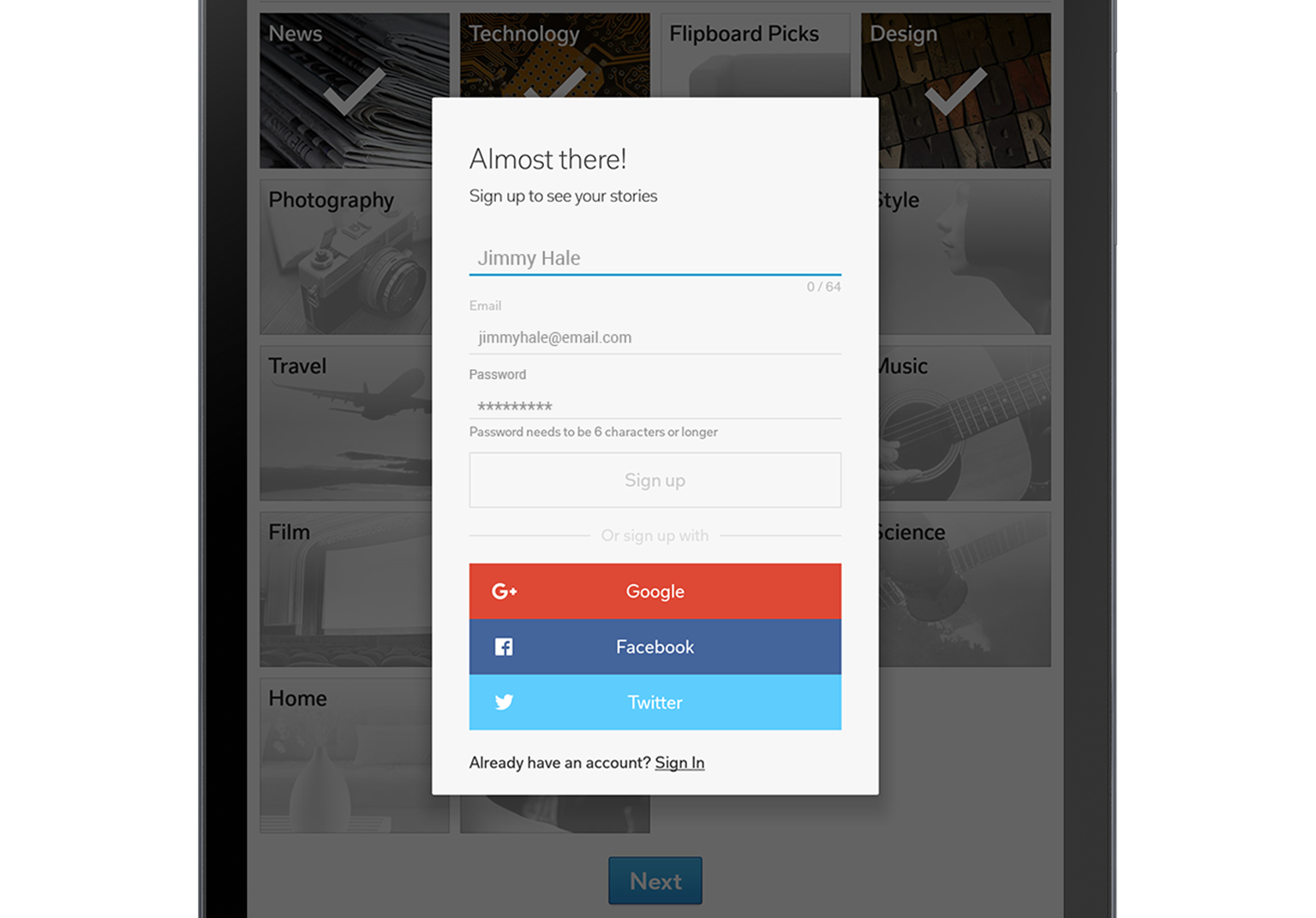
After tapping "Next," a dialogue box will appear prompting you to create a Flipboard account. Fill in your name, email address, and password (don't forget to include a mix of upper case letters, symbols, and numbers to make your password more¬¬¬ secure!).