Accessing Google Now
There is a huge variety of Android devices, and they don't all function in the same way. Because of this, Google Now is accessed in different ways on different devices. Let's take a look at some of the more common ways to access Google Now.
On many Samsung devices, Google Now can be launched by pressing and holding the home key.
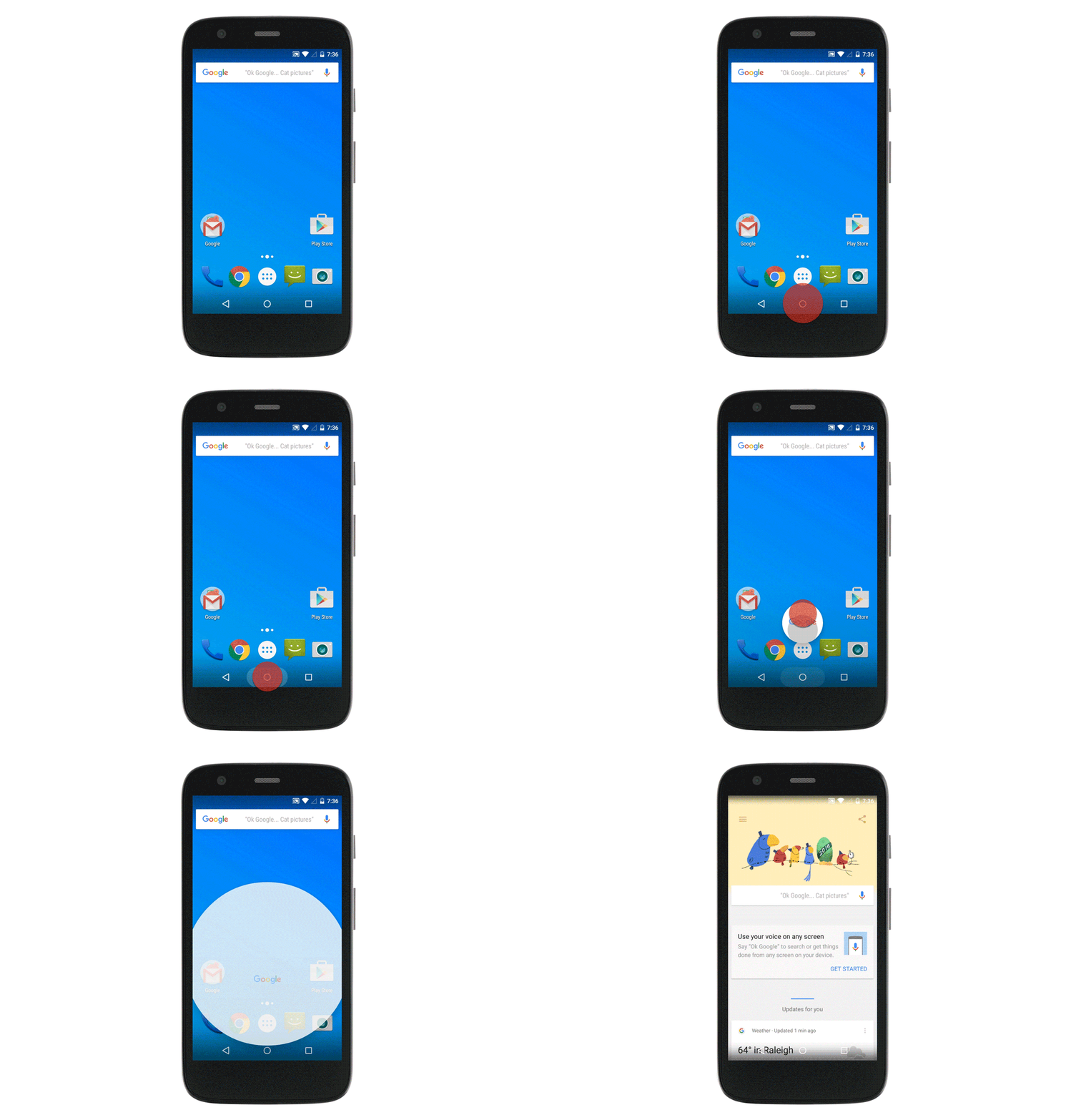
A common way to access Google Now on devices without a physical home key, is to swipe upwards from the home icon.
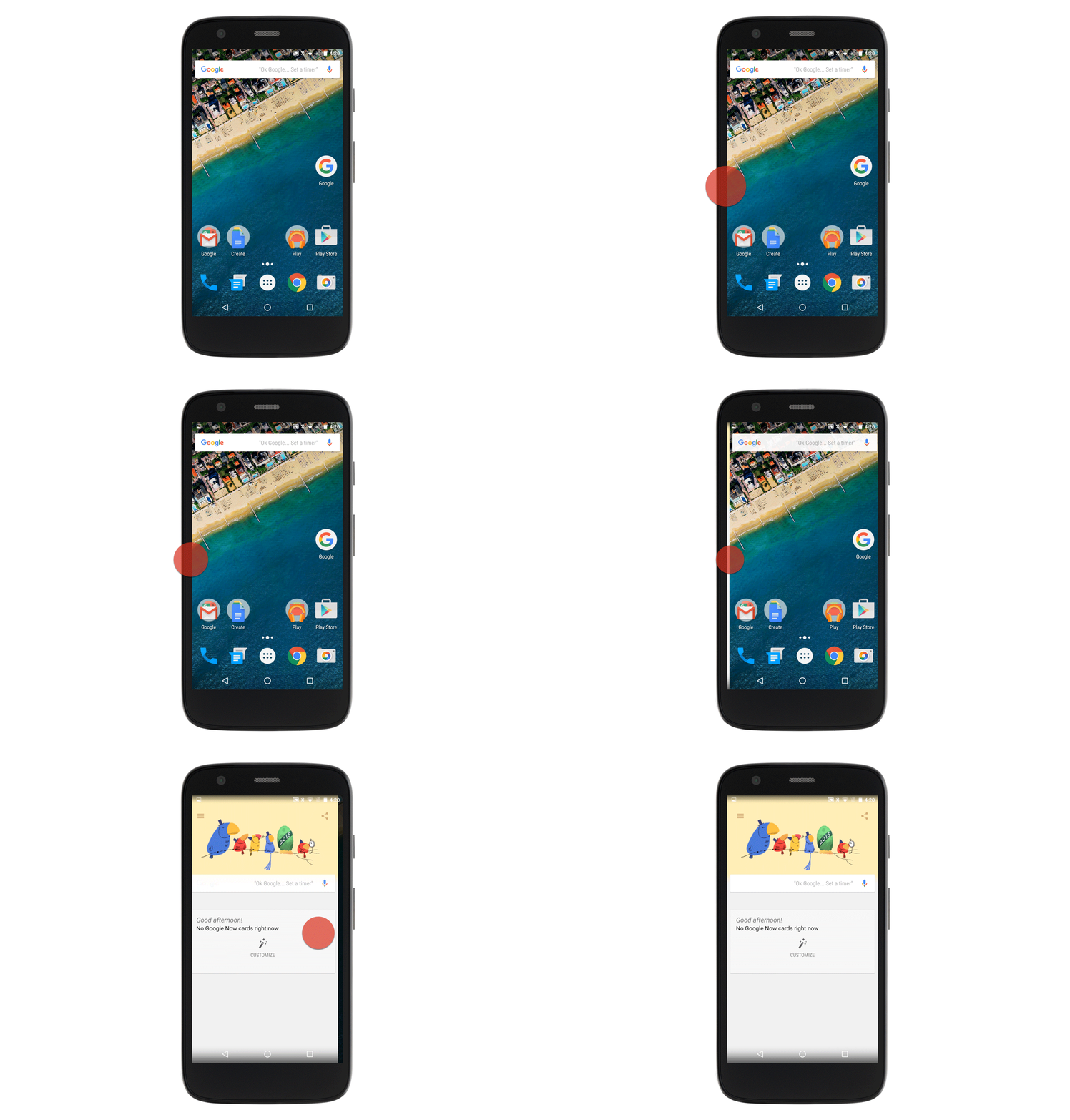
On some devices Google Now can be accessed by swiping from left to right across the home screen. It can also be opened by saying "Ok Google" on any page of the home screen. If you install the Google Now Launcher on your device, this is how you will access Google Now.
The only surefire way to launch Google Now is to open the Google app. All of the previous methods shown for opening Google Now are actually shortcuts for opening the Google App.