Speaking to Google Now
Once you've opened your Google app, the Google Now functionality will work the same across Android devices. Let's take a look at the basics of speaking commands to Google Now.
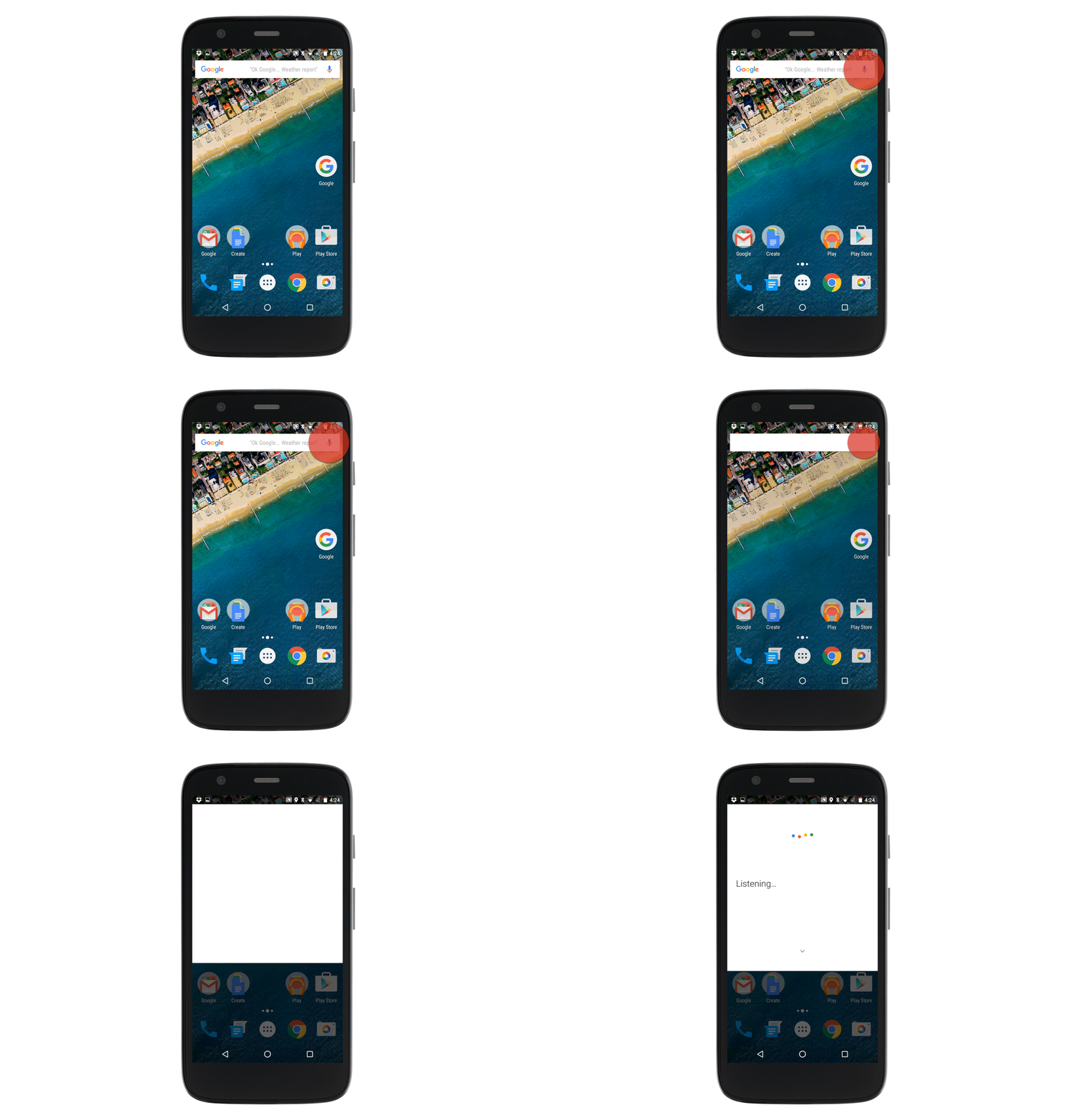
To begin speaking to Google Now, tap the microphone symbol in the white search bar. You'll know that Google Now is listening for your question or request when you see the dancing colors and the text 'Listening' in the middle of your screen.
An alternate way to make Google Now listen for spoken commands, is to say "Ok Google"
You can say things like: "What is the weather today?" or "Set an alarm for 6:00 am tomorrow." You can dictate notes, text messages, and emails or ask Google Now to call one of your contacts.
If you take too long to make your request, or you speak too quietly, the dancing colors will disappear and Google Now will give you examples of tasks and search queries it can complete for you. When you're prepared to speak, tap the microphone in the top right of the screen or say "Ok Google" to let Google Now know that you're ready to make your request.
What do you say to initiate Google Now with your voice?
Perfect!
Sorry!
reveal